Compression
Make your image files smaller without changing their format.
The free, open-source alternative to paid web tools. Process images in batches from your computer.
A refreshed interface, new tools and more control over image processing on your computer. Explore everything that has changed since v1.1.2.
A new home screen, module navigation and options to adjust interface scale and visible tools.
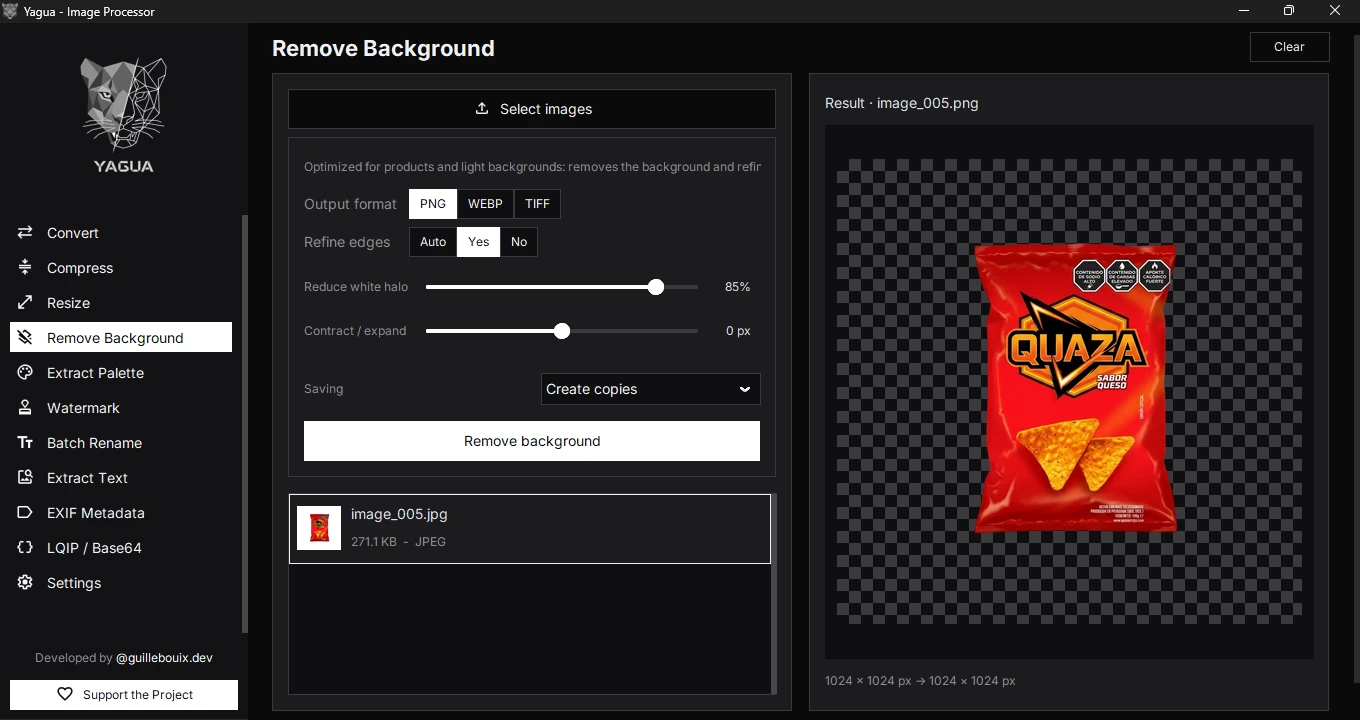
OCR, watermarks, image previews and new background removal adjustments.
Batch color palettes and EXIF metadata, with more options to inspect, export and save.
Background processing, on-demand AI loading and safeguards against saving conflicts.
Yagua began with the frustration of preparing images for websites: juggling online tools, hitting usage caps, and being asked to subscribe. It brings those tasks to your computer so you can work without relying on those services.
Open the app and get to work. No sign-up or sign-in is needed to use its tools.
A free, open-source app for your image tasks, with no monthly plans.
Work without a daily usage counter. The number of files you can process depends on the tool and your computer.
Your files are processed on your computer, without sending them to an online tool.
Change the format, adjust the size, or extract what you need.
Supported formats and limits vary by module, installed codecs and platform.
Make your image files smaller without changing their format.
Choose an output format and adjust the available settings to convert your images.
Remove backgrounds locally with AI; the model downloads the first time you use this feature.
Change dimensions, crop your image, or add space around it.
Extract colors, copy HEX, RGB or HSL values, and export a PNG palette.
Add your logo and adjust its position, size, opacity, and margin.
Rename files with numbers, dates, and letter-case changes, with a preview of the result.
Extract Spanish or English text from your images to copy or save as a TXT file.
View, export, edit, or remove metadata where the format and operation allow it.
Generate lightweight previews or encode images as Base64 for the web, with TXT and JSON export.
Explore the tools in these app screenshots and select one for a closer look. The interface and options shown in the screenshots may vary depending on the installed version.
Yagua is free and open source. Explore how it works and find a way to contribute, even if you don’t write code.
Finding Yagua useful? You can also support its development. Support Yagua
Browse the source code and its MIT license.
Explain what happened to help fix bugs and improve the tools.
Add an explanation, correct a detail, or help with translations.
Cookies
Analytics is optional. It loads only after acceptance; you can reject or change your choice at any time. Cookie policy